Back to Templates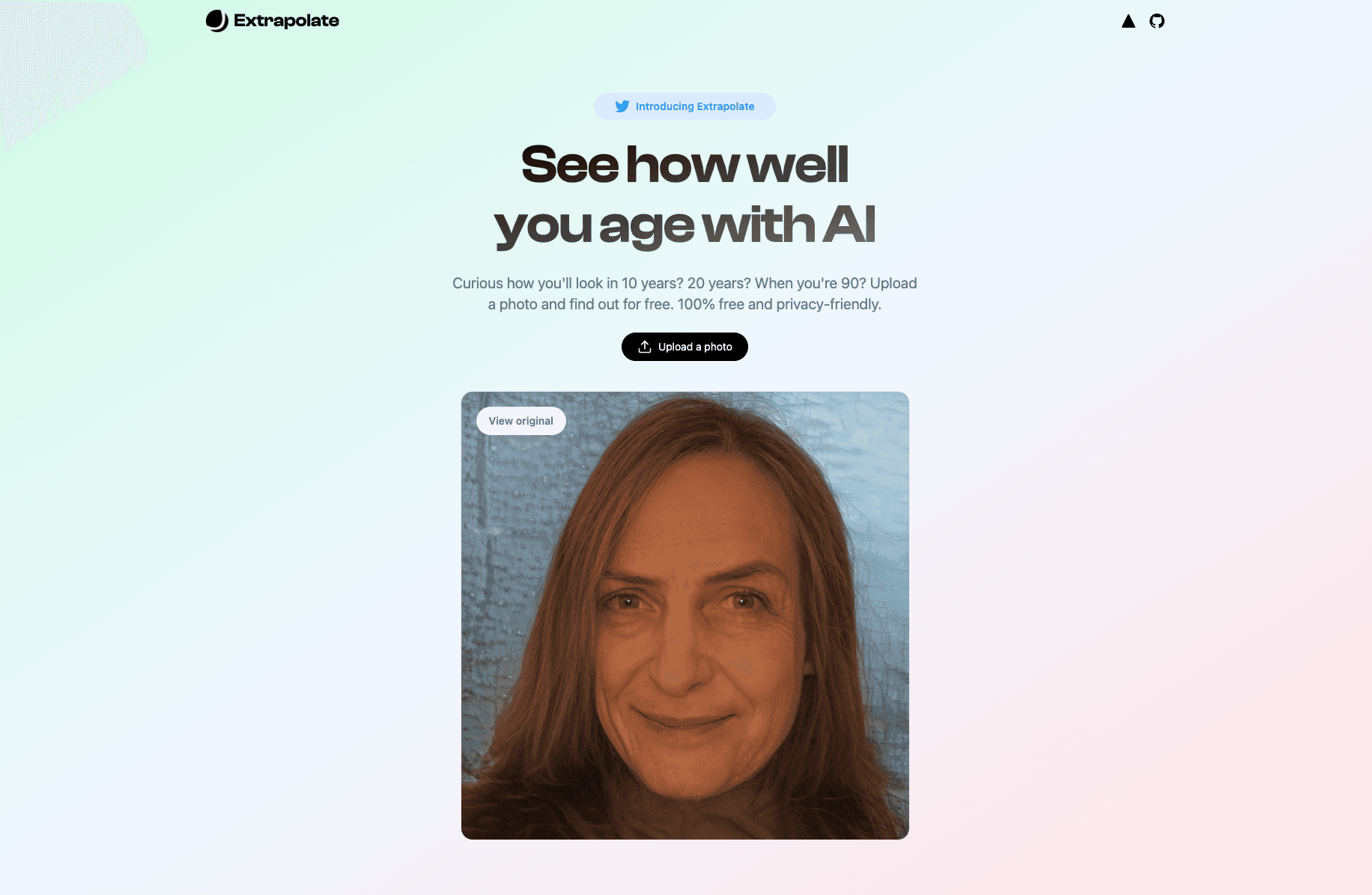
--NEW README COMING SOON--
Introduction
Extrapolate is an app for you to see how well you age by transforming your face with Artificial Intelligence.
Features
- 3s GIF of your face as it ages through time 🧓
- Store & retrieve photos from Cloudflare R2 using Workers
Deploy Your Own
You can deploy this template to Vercel with the button below:
Note that you'll need to:
- Set up a ReplicateHQ account to get the
REPLICATE_API_TOKENenv var. - Set up an Upstash account to get the Upstash Redis env vars.
- Create a Cloudflare R2 instance and set up a Cloudflare Worker to handle uploads & reads (instructions below).
Cloudflare R2 setup instructions
- Go to Cloudflare and create an R2 bucket.
- Create a Cloudflare Worker using the code snippet below.
- Bind your worker to your R2 instance under Settings > R2 Bucket Bindings.
- For extra security, set an
AUTH_KEY_SECRETvariable under Settings > Environment Variables (you can generate a random secret here). - Replace all instances of
images.extrapolate.workers.devin the codebase with your Cloudflare Worker endpoint.
// Check requests for a pre-shared secretconst hasValidHeader = (request, env) => { return request.headers.get("X-CF-Secret") === env.AUTH_KEY_SECRET;};
function authorizeRequest(request, env, key) { switch (request.method) { case "PUT": case "DELETE": return hasValidHeader(request, env); case "GET": return true; default: return false; }}
export default { async fetch(request, env) { const url = new URL(request.url); const key = url.pathname.slice(1);
if (!authorizeRequest(request, env, key)) { return new Response("Forbidden", { status: 403 }); }
switch (request.method) { case "PUT": await env.MY_BUCKET.put(key, request.body); return new Response(`Put ${key} successfully!`); case "GET": const object = await env.MY_BUCKET.get(key);
if (object === null) { return new Response("Object Not Found", { status: 404 }); }
const headers = new Headers(); object.writeHttpMetadata(headers); headers.set("etag", object.httpEtag);
return new Response(object.body, { headers, }); case "DELETE": await env.MY_BUCKET.delete(key); return new Response("Deleted!");
default: return new Response("Method Not Allowed", { status: 405, headers: { Allow: "PUT, GET, DELETE", }, }); } },};Author
- Steven Tey (@steventey)